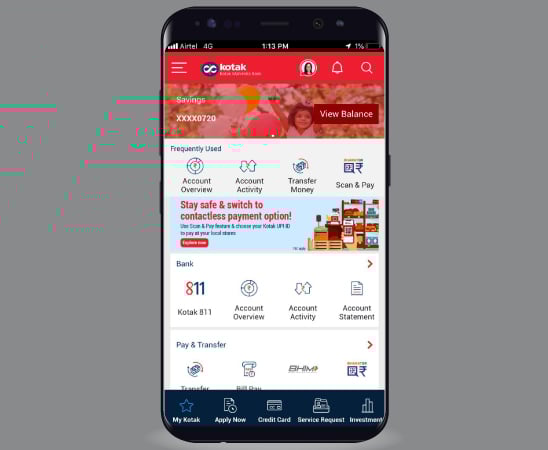


Experience the all-new Kotak Netbanking
Simpler, smarter & more intuitive than ever before


Quick Help
Frequently Asked Questions
Show More
For Kotak Bank Customers
For Kotak811 Customers
Experience the all-new Kotak Netbanking Lite
Simpler, smarter & more intuitive than ever before. Now accessible on your mobile phone!
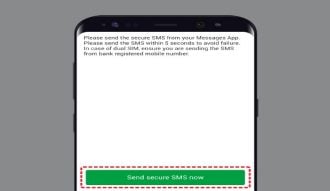
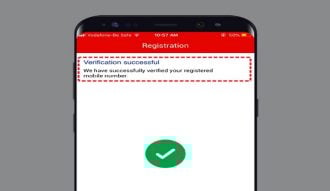
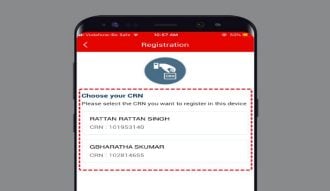
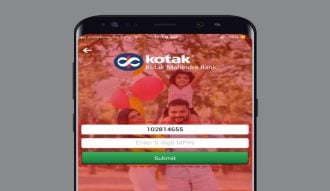
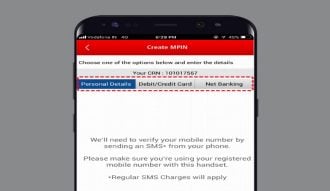
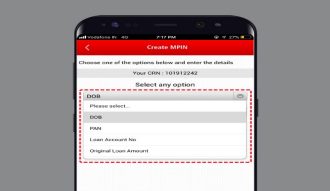
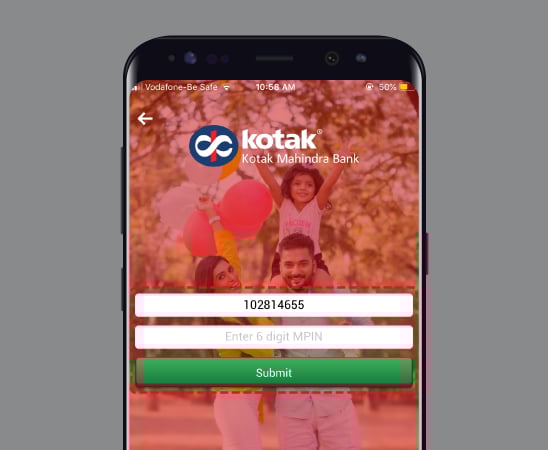
Tap ‘Forgot MPIN’ on the app login screen.
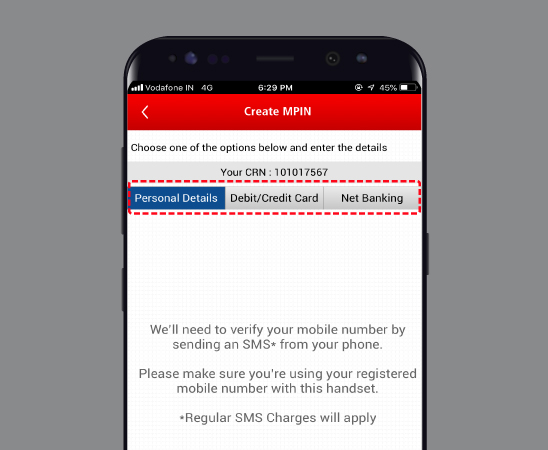
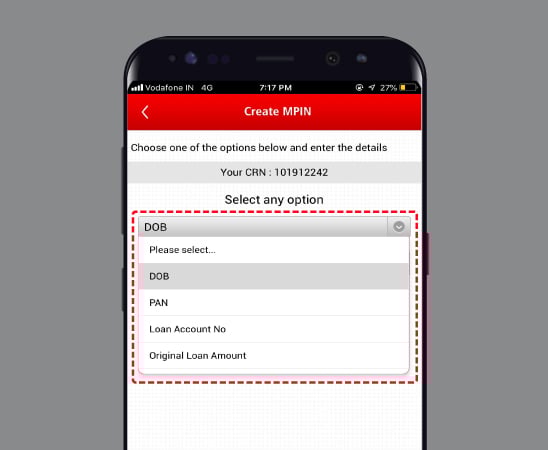
Verify using your Net Banking password or card details.
If you don’t know your card PIN, reset it first.
Then create a new 6-digit MPIN.
The app is compatible with most modern Android and iOS smartphones. Ensure your device has an updated operating system and internet access for smooth functioning.
Yes, but you need to register each device separately using your CRN and authentication details.
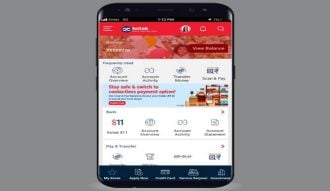
Access all your Kotak accounts, cards, deposits, loans, and investments in one unified view. Get real-time updates, automate bill payments, and track EMIs effortlessly.
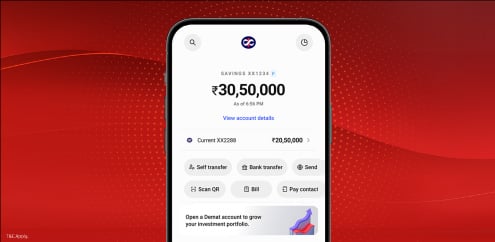
Discover personalised loan and credit card offers based on your profile — quick and hassle-free.

Book FDs or invest in mutual funds in just a few taps—no separate app required. Track your portfolio and SIPs effortlessly, anytime, anywhere.